

• Skip to main content
  • Skip to secondary menu
  • Skip to primary sidebar
  • Skip to secondary sidebar

MikesMultiMedia.com

Photo - Video - Audio - Tech

  • Home
  • Store
  • Contact
  • Logos

AdBlocker Ultimate Limited to Working with iPad Safari, not Chrome

March 29, 2019 by MikesMultiMedia Leave a Comment

AdBlocker Ultimate Home Page Screenshot(Mar. 29, 2019) I was annoyed having recent online purchases and product viewing activity result in stalking-like targeted advertising while surfing the web.

I typically use Google Chrome on a 2019 iPad and have grown increasingly discussed by the targeted advertising layered on every page I viewed. Tantamount to stalking like behavior.
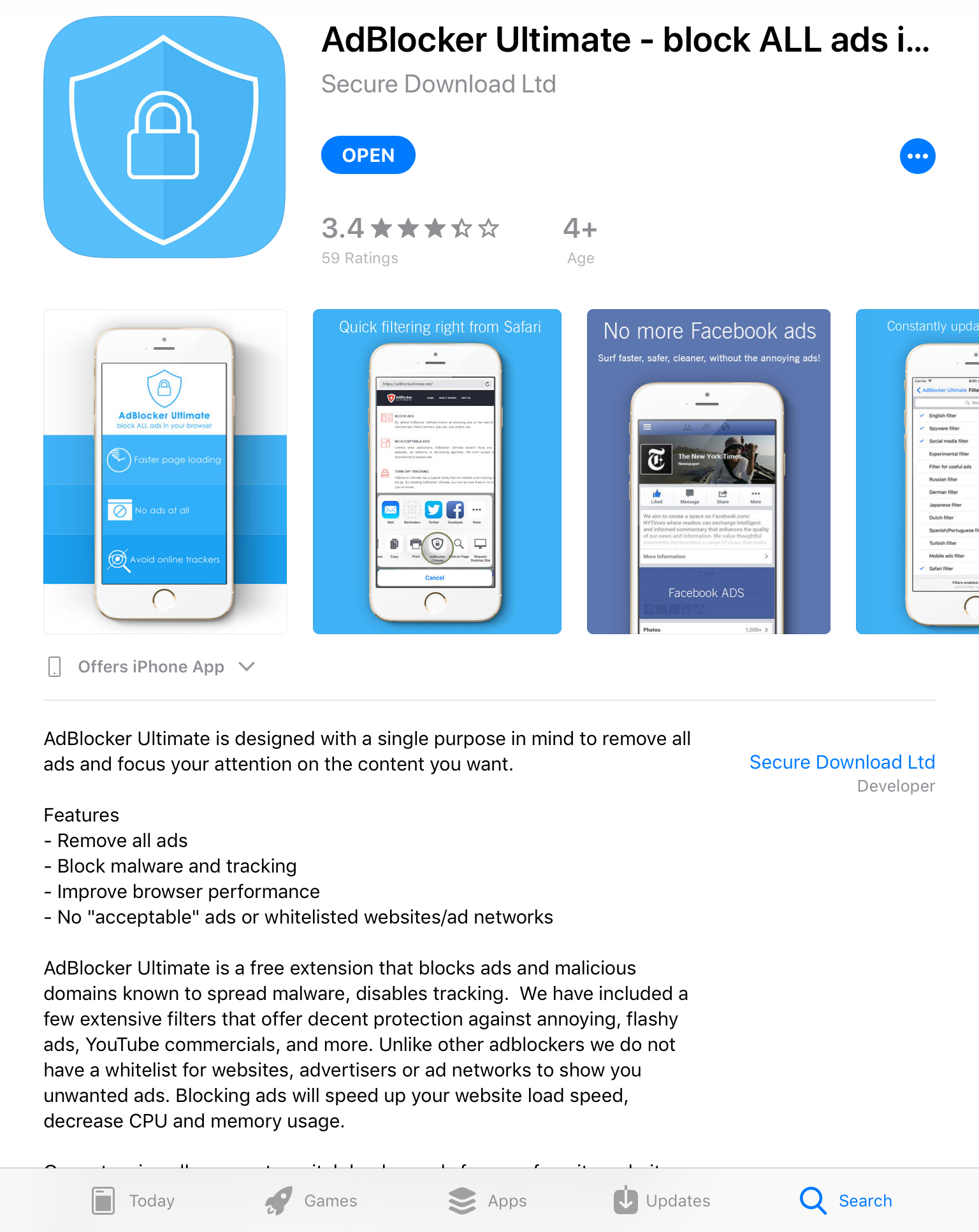
Frustrated, I quickly searched the Apple store and found a reasonably interesting prospective app called AdBlocker Ultimate.

After downloading and installing it, I followed the instructions to enable it.

I would soon realize, however, there would be no options to enable the App to work with Google Chrome, my preferred iPad browser app.

Well that sucked. 

Continuing on. After enabling the app, I reluctantly opened Safari to see how AdBlocker Ultimate worked. Well, it actually did work. Only in Safar, however.AdBlocker Ultimate webpage before
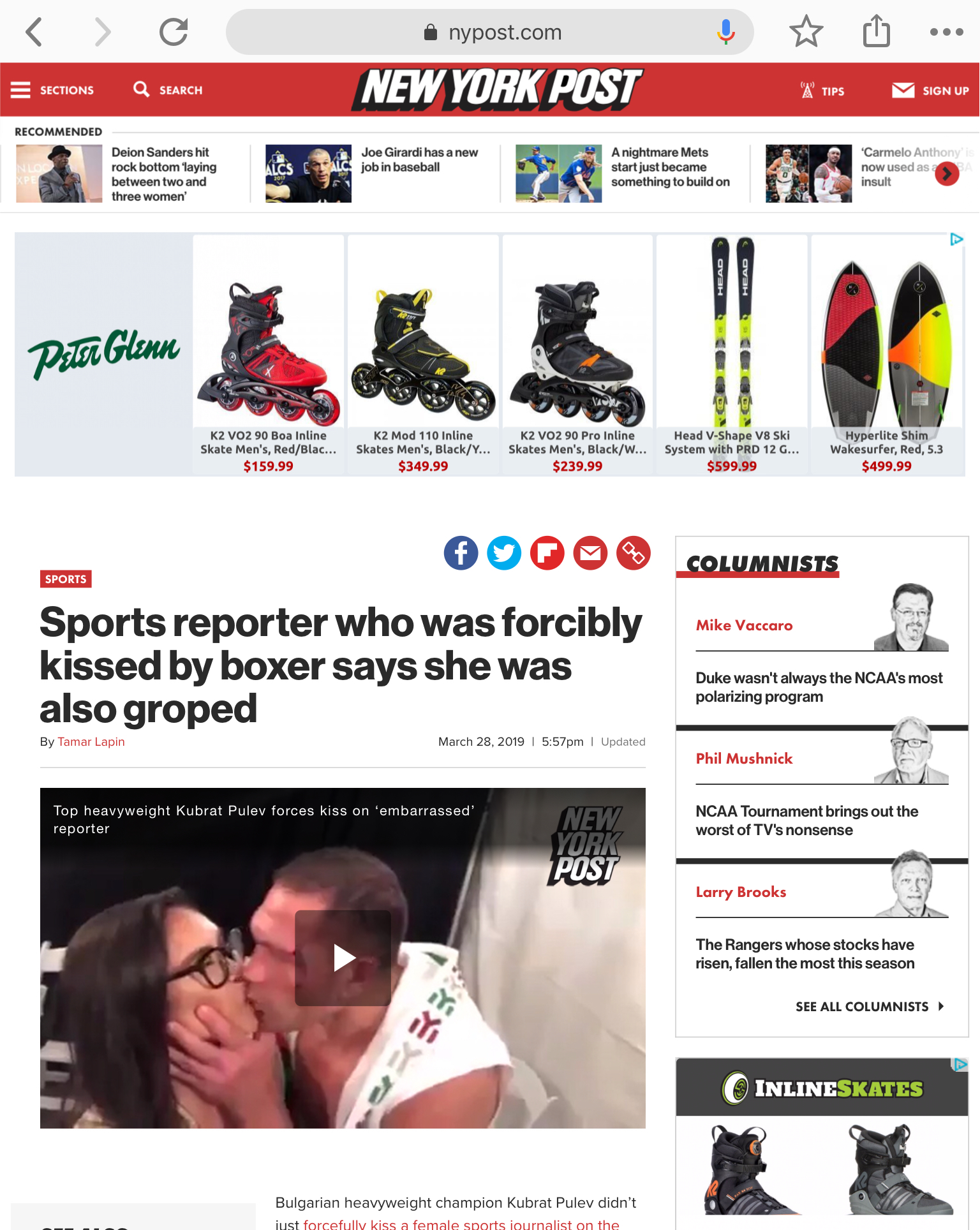
Interestly, it seemed to block the adds I have grown to hate. Instead of the adds, white  space is shown. Better than nothing for now.

Wanting the app to work in Chrome, I scrolled down into the App configuration area and clicked on the Google Chrome app icon.
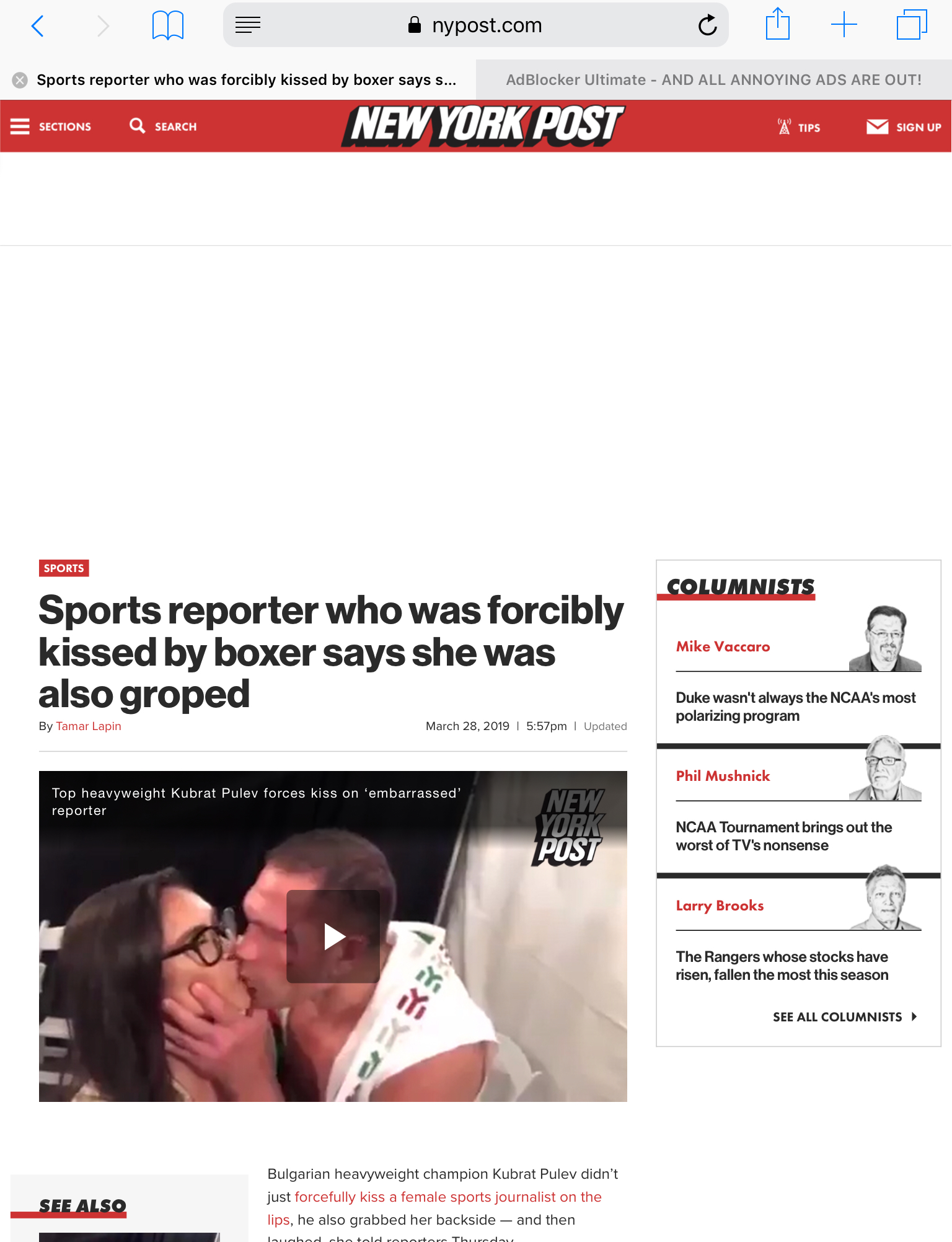
AdBlocker Ultimate webpage with blocked advertisements resulting in white space areas.There, however, were no settings to enable AdBlocker Ultimate in Chrome.
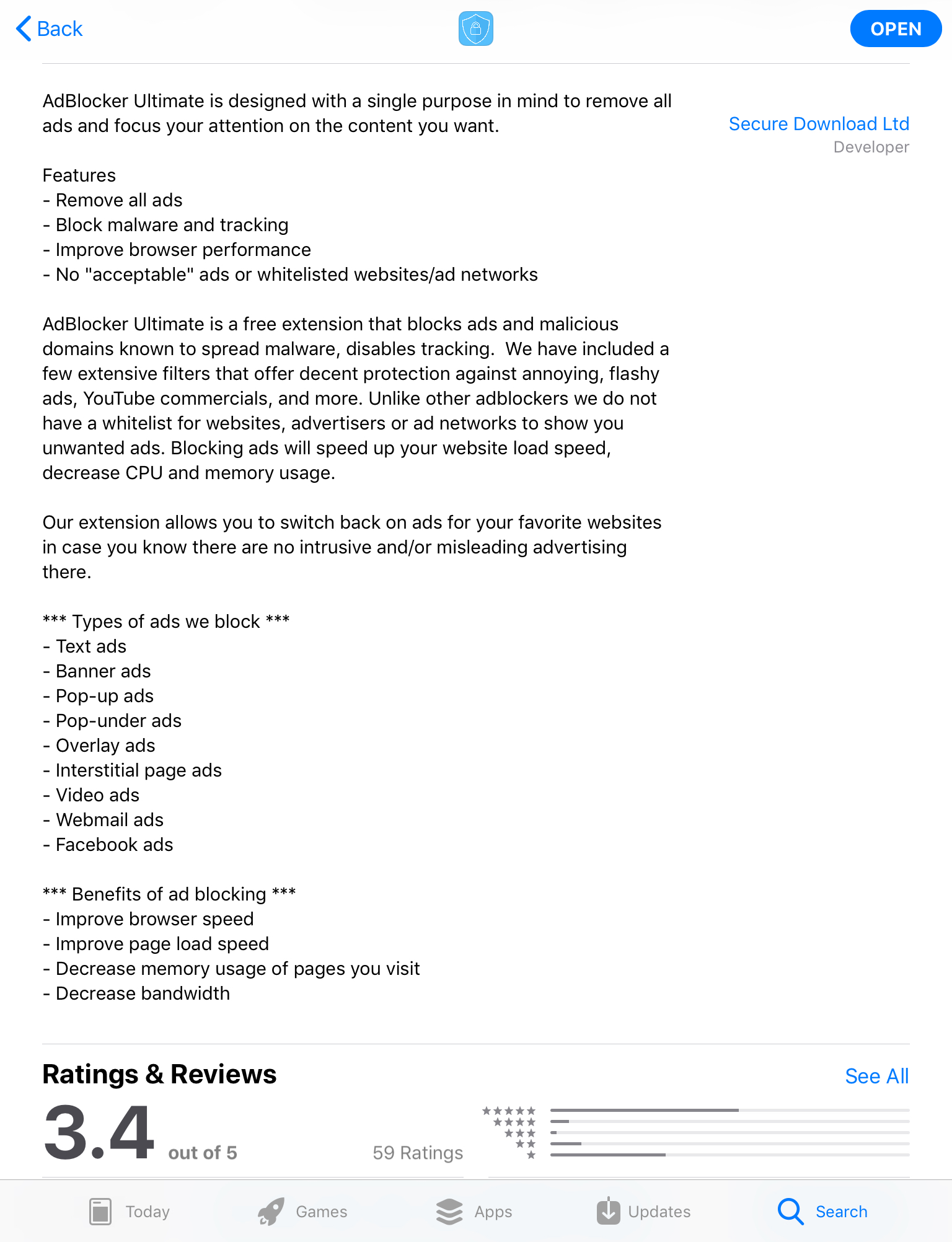
Looking at this app’s description in the Apple Apps store, I discovered there was no language describing which browsers it works with. This was an indirect confirmation to me that AdBlocker Ultimate was not as diversified as I thought to potentially be that one-stop add-blocker for all my iPad browsing.
 
Apps normally highlight key functionality in their descriptions for marketing purposes. AdBlocker Ultimate did not. In fact, there is no mention of any browser compatibility mentioned in the description.
 
Unless otherwise determined, this app appears designed to work with Apple safari and does not integrate with the Google Chrome browser App on an iPad.
 
Update pending.

Filed Under: Apple, iPad, Software

Reader Interactions

Leave a Reply Cancel reply

Your email address will not be published. Required fields are marked *

Primary Sidebar

Tags

AC1750 Apple automatic screen dimming Black out screen DMC TZ10 DSC HX5v Flashpoint Gulf Oil Spill hack How To iPad Air Mac Book Pro 15 Retina Magic Trackpad magsafe 2 Mid 2012 Retina MikesMultiMedia MN 6700 netgear NETGEAR Nighthawk Nighthawk Nikon D800 oil containment oil spill Open Box Panasonic Photography Piedmont Park power cord Product Review review screen blanking Sensor cleaner setup smart WiFi router solutions Sony Video Video Editing video production video quality Video Vegas VisibleDust WiFi router Windows ZS7

Secondary Sidebar

Categories

  • Anker
  • App – iPhone
  • Apple
  • Apple Watch
  • Brands
  • CamRanger
  • Computers
  • Defender Case Series
  • Flashpoint
  • Flexgate
  • Godox
  • Gulf Oil Spill
  • How To . . .
  • iPad
  • iPad Air
  • iPad Air 2
  • iPad Pro
  • Jib Shoot
  • K2
  • Laptop Stands
  • Mac Book Pro
  • MacBooks
  • Manfrotto
  • Microsoft Surface Pro 4
  • NETGEAR
  • News
  • Open Box
  • Otterbox
  • Panasonic
  • Photography
  • Power Bright
  • Product Photography
  • Product Review
  • Project
  • Rhino
  • Series 2
  • Software
  • Sony
  • Store
  • StreakLight 360
  • StreXercise Movements Vol 1
  • Uncategorized
  • Vegas Pro v13
  • Vello
  • Video
  • Visible Dust
  • WEIZE
  • Windows
  • Windows 10
  • Windows 11
  • XPLOR600 TTL
  • Zoom Li-Ion R2 TTL

Copyright © 2026 · Magazine Pro on Genesis Framework · WordPress · Log in