
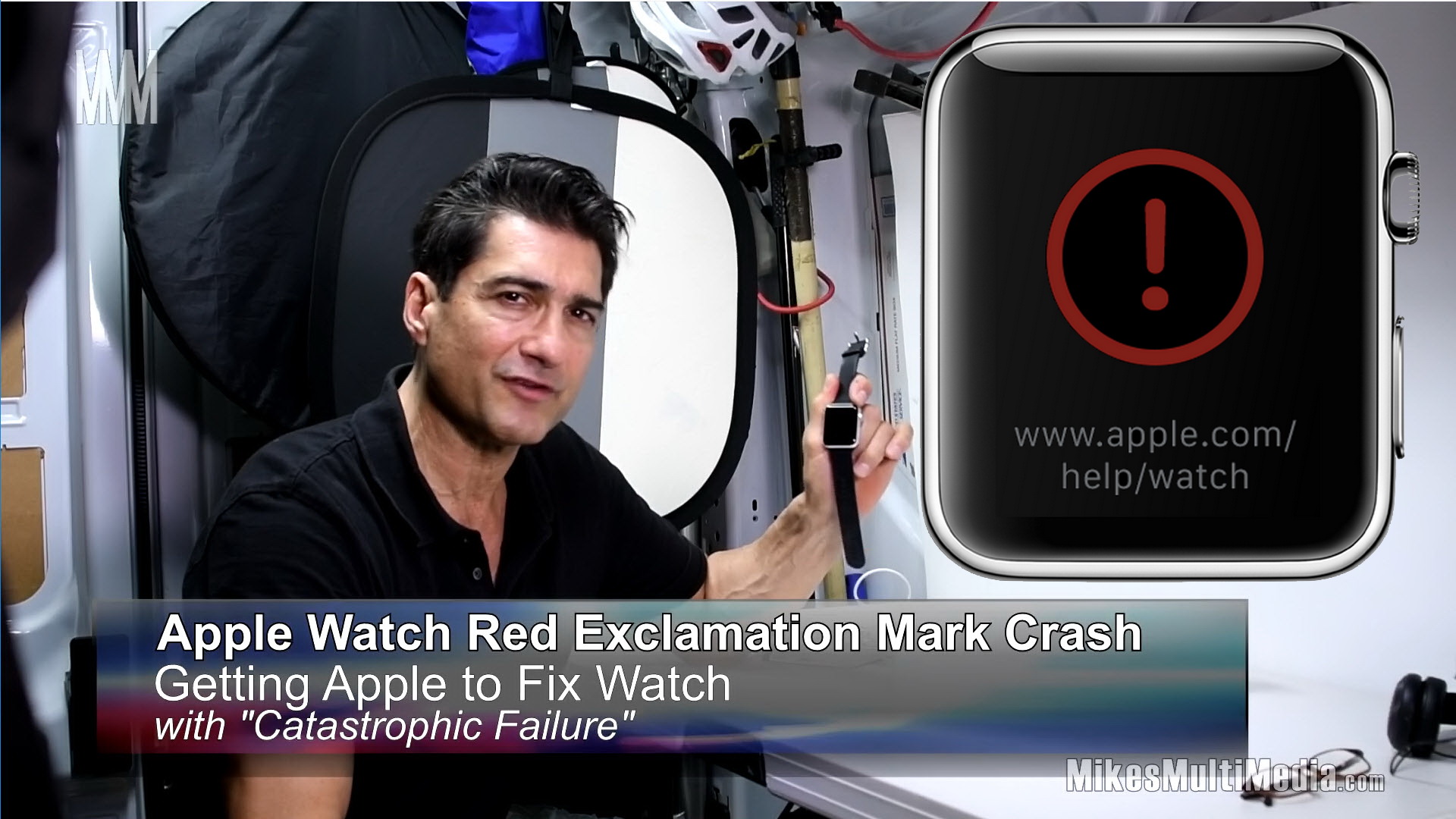
(June 5, 2019 19:30 p.m.) In this video I discuss my experience working with Apple Support to fix an Apple Watch Red Exclamation Mark (REM) crash screen on a Series 2 model Apple watch.
For the impatient, please jump to a section in my outline below of key points of interest in the video.
Outline:
00:01 Begin Program
00:20 MMM Logo
00:28 Main Program Begins
00:45 Contact / Telephone No. for Apple Support
02:00 Show Apple Watch Startup to REM crash
10:34 Breaking News: Shipping Box received from Apple Support
13:24 Mailing Address and Location of Apple Repair Center
14:29 Breaking News: Repaired Watch Received back from Apple Support
17:40 First Start of Repaired Watch
20:03 Wrap up and final remarks
Otherwise, this is a medium paced 20 minute video I discuss the various challenges I had getting Apple Support to fix what the called a “catastrophic” condition on the watch.
The REM condition has been talked about at length on various internet forums and articles presenting the REM as a well publicized problem that Apple should already know about.
However, during the call I experienced a lot of “hoop” jumping prior to finally getting Apple to undertake the process of fixing their defective product.
After researching the REM problem, it was apparent to me that it was much like a failed air-bag on a vehicle. In such a case, the vehicle manufacturer recalled the vehicles and then fixed the problem at no cost to the customer. It would be absurd, and inconsistent with industry standards, in the case of my example of a failed air-bag, to require the owner of the vehicle to fix the defective air-bag problem while assuming the costs of same.
So it was interesting to navigate around Apple Support’s very professionally done “hoop” jumping obstacle course during the call. Even after explaining to the support representative the exact description of the problem, that being the REM defect.
Then there were a series of frustrating bog downs during the call. Long waits, security processes conducted on the device, use of Find My iPhone, caller verification, personal information acquisition and a feeling that somehow you did not have the right to have Apple fix the watch for free.
In any case, I hope after watching this video, you may be encouraged to pursue your claim for Apple Support repair services without having to pay to fix the REM.
This also is a warning to do a little research before calling Apple Support for services regarding your device. You may find your issue may be a known issue, and/or a defective product situation.
If not, Apple Support surely will try to capitalize on your lack of knowledge during the call. In my experience, they worked the service request as a standard “Warranty” or “Service Charge” matter until you indicate otherwise by talking about specific references either from public or from Apple themselves. That is, the person taking your call may play the “I didn’t know it was a known issue” card.
Good luck.
(Media File: 20190605 1930 Apple Watch REM Crash V12 Sections 20A b5B)
view itfix.org.uk
blog topic